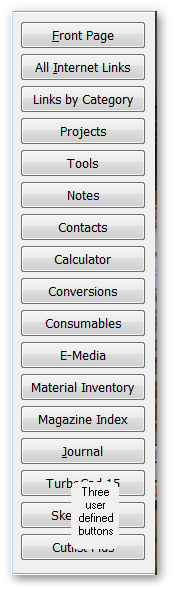
Click on a button for information on ShopFileR’s Functions
Tools
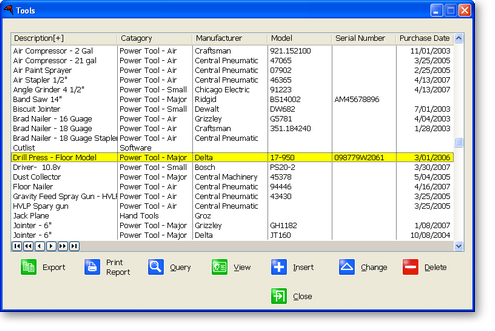
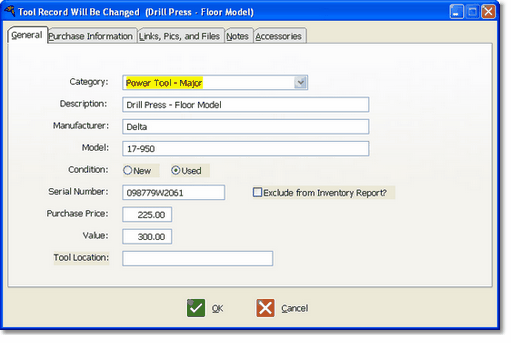
When you click on the Tool button on the Front Page, a list of your tools is displayed. Press the Insert button to add a tool to the list, or move the highlighted bar to a tool and double click or press the ‘Change’ button to view the information on that tool.
Click on the column heading to sort the listing on that column. For example, to see all of the Delta tools, simply click on the ‘Manufacturer’ column.
This is the place to save as much information about your tools as you want.
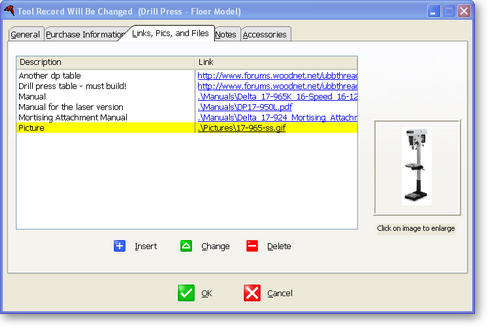
Everything relating to the tool is in one place, easily and quickly accessible. Click on any blue address to quickly view that manual, picture or website.